
AI 3D model generator from a text description

This AI 3D model generator turns a written description into a textured 3D model. Type one object, such as "a ceramic teapot with a bamboo handle", pick Standard or Pro, and the studio builds the model. You can spin it in the browser, download a GLB and export OBJ or STL, and the cost shows before you start.

Last updated:

Your model appears here.

Describe one object: what it is, its material and its colours.

Quality
Model
TRELLIS
Cost
106 credits
Files
GLB · OBJ · STL
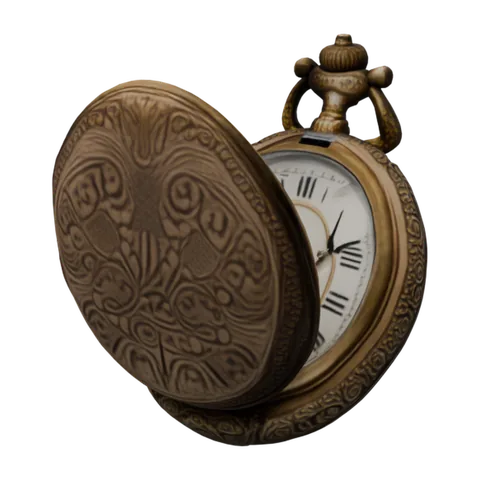
3D model of a vintage brass pocket watch with its engraved lid openText · Standard

Made from

“vintage brass pocket watch with its lid open, ornate engraving”

3D model of a vintage brass pocket watch with its engraved lid open: View 1 of your object
GLB
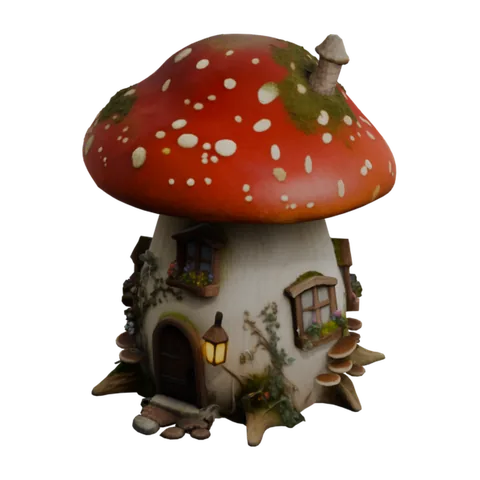
3D model of a mushroom cottage with a red spotted cap, a small door and windowsText · Standard

Made from

“whimsical mushroom cottage with a red spotted cap, a tiny door and windows”

3D model of a mushroom cottage with a red spotted cap, a small door and windows: View 1 of your object
GLB
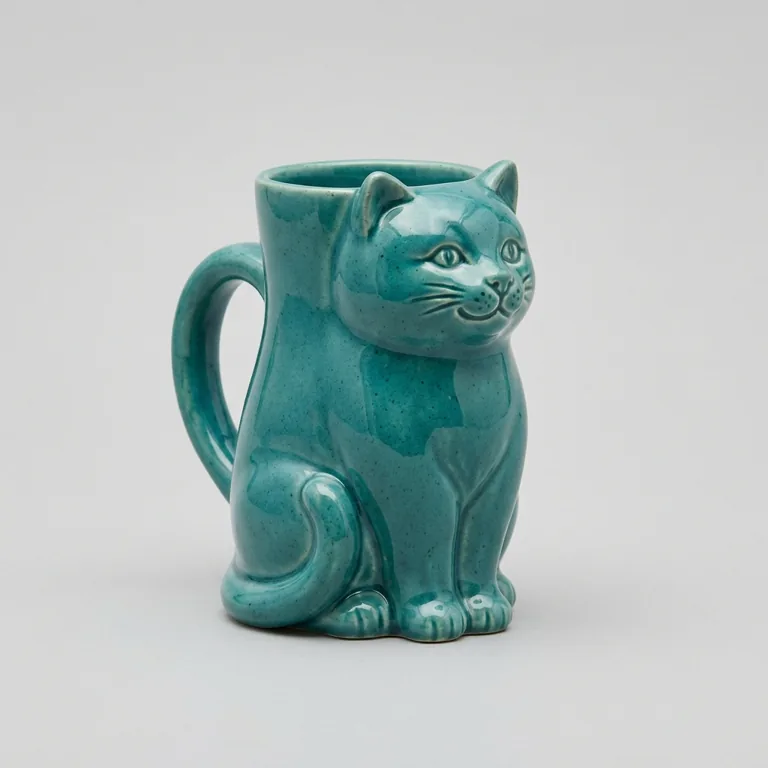
3D model of a teal ceramic mug shaped like a sitting catText · Standard

Made from

“ceramic mug shaped like a sitting cat, glossy teal glaze”

3D model of a teal ceramic mug shaped like a sitting cat: View 1 of your object
GLB

Good for

  • Props and items for game prototypes
  • Concept models when you have no photo of the object
  • Placeholder assets for scenes, mockups and AR tests
  • Simple printable objects and desk toys

How to use it

  1. 01

    Describe one object

    Name the object, its material and its main colours. Keep it to one thing; scenes and groups do not work well.

  2. 02

    Pick a quality level

    Standard is quick and lower cost; Pro gives finer geometry and texture. The credit cost shows before you start.

  3. 03

    Spin, then download

    Check the model from every side in the viewer, then download the GLB or export OBJ or STL.

How text to 3D works here

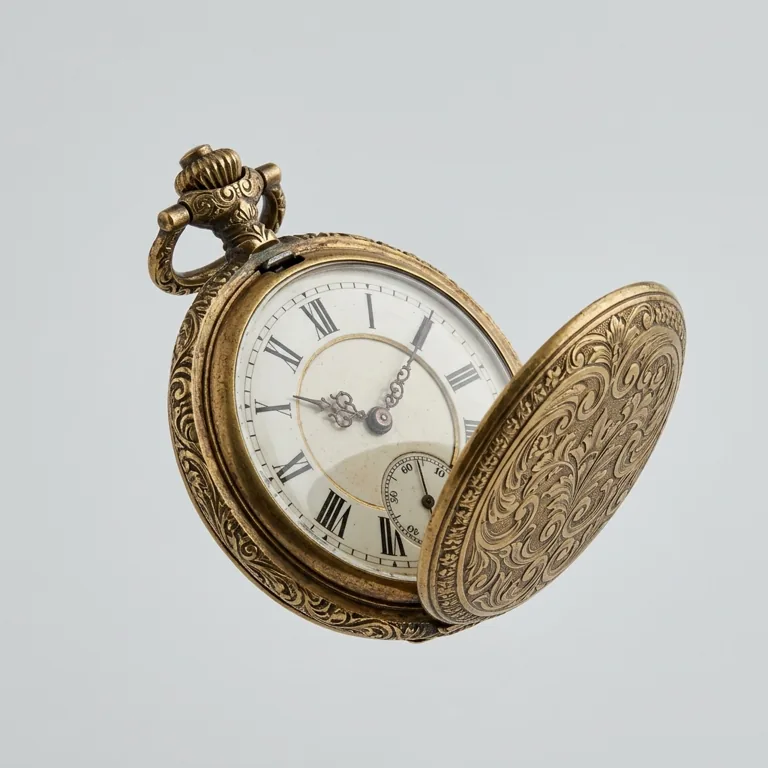
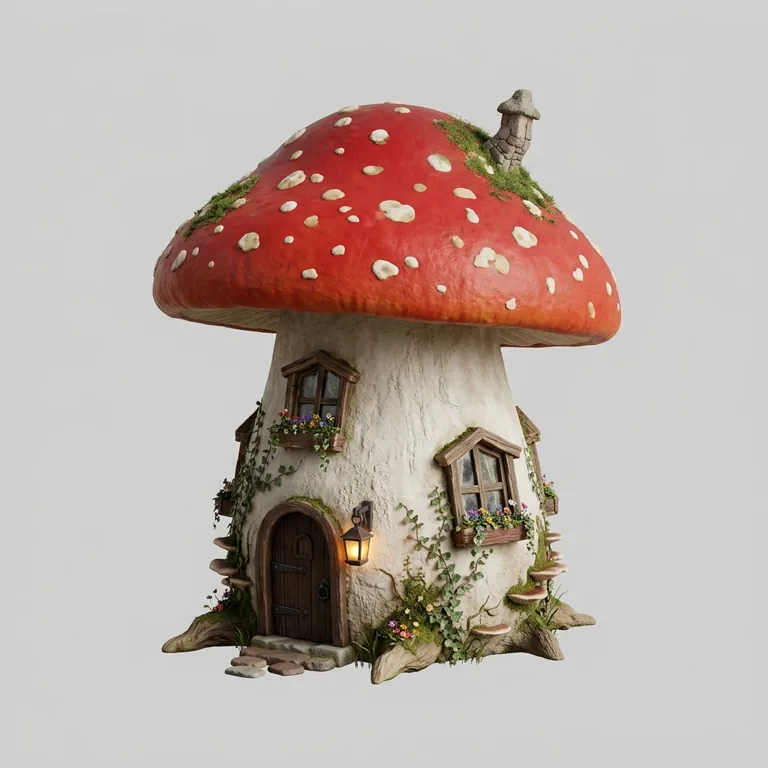
With Standard, the studio first makes one clean reference picture of your object with Nano Banana 2.1 (plain background, three-quarter view), then TRELLIS builds the 3D model from that picture. With Pro, Rodin Gen-2 builds the model from your text directly. Your text is screened before anything is charged.

Writing a prompt that builds well

A 3D model needs a clear, solid shape. Describe one object, say what it is made of and give two or three colours. Avoid text, logos, crowds, landscapes and anything thin and wispy such as hair or smoke. If the first result is off, add the detail that went wrong and run it again.

What it costs

Any object costs the same. Standard from a description includes its reference picture. The viewer and the OBJ and STL export are free. See credit packs

Credits per 3D model by input and quality
Quality and modelMade fromCredits
StandardTRELLISVideo91
Photos91
Description106
ProRodin Gen-2Video361
Photos361
Description361

Questions

Is the AI 3D model generator free?

New accounts get free credits after email verification, enough for one Standard model from a photo or clip; a model from text costs a little more. After that each model uses credits, and the cost shows before you start.

Which AI models does it use?

Standard makes a reference picture with Nano Banana 2.1, then builds the model with TRELLIS. Pro uses Rodin Gen-2.

Can I use the models commercially?

Yes, for objects you describe yourself, subject to the Terms. Do not describe trademarked characters, logos or real people.

Why does the same prompt give a different model?

Each run generates a new model. Make the description more specific, or run it again, to steer the result.