
Video → 3D · Photo → 3D · Text → 3D
Image and video to 3D model

Upload a photo, up to four angles of one object, or a short walk-around video, and get a textured 3D model you can spin right here. Download GLB, or export OBJ or STL for 3D printing. No photo? Describe the object instead. New accounts get 91 free credits, one time only, after email verification. One Standard 3D model from photos or a clip costs 91 credits.
One object on a plain background works best. Add more sides for a better back.
- Model
- TRELLIS
- Cost
- 91 credits
- Files
- GLB · OBJ · STL
- Clips up to 60 s · JPG, PNG, WebP
- Viewer and STL export free in your browser
- GLB, OBJ and STL files
- Files deleted after 30 days
Examples
Real models, unedited
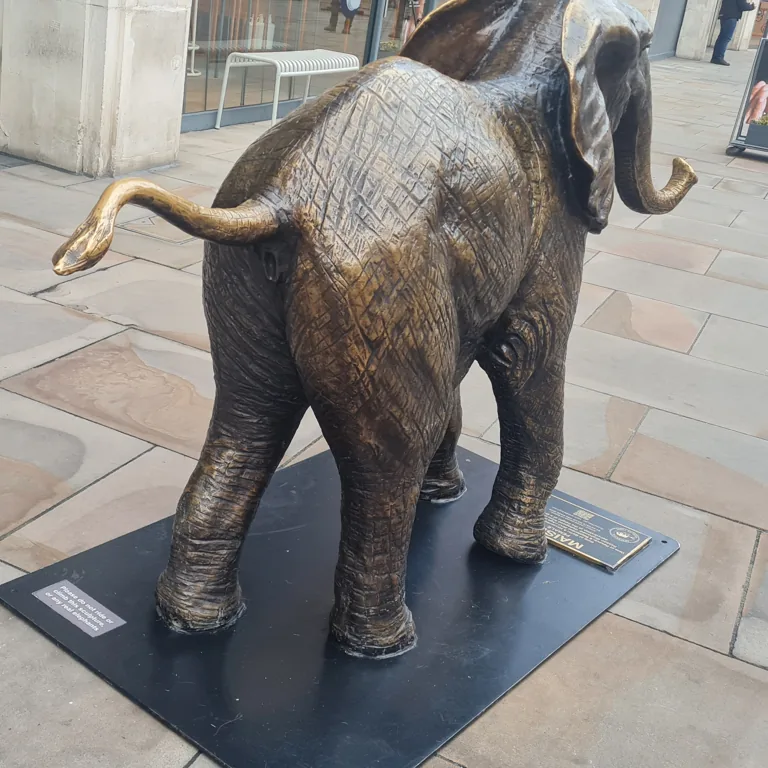
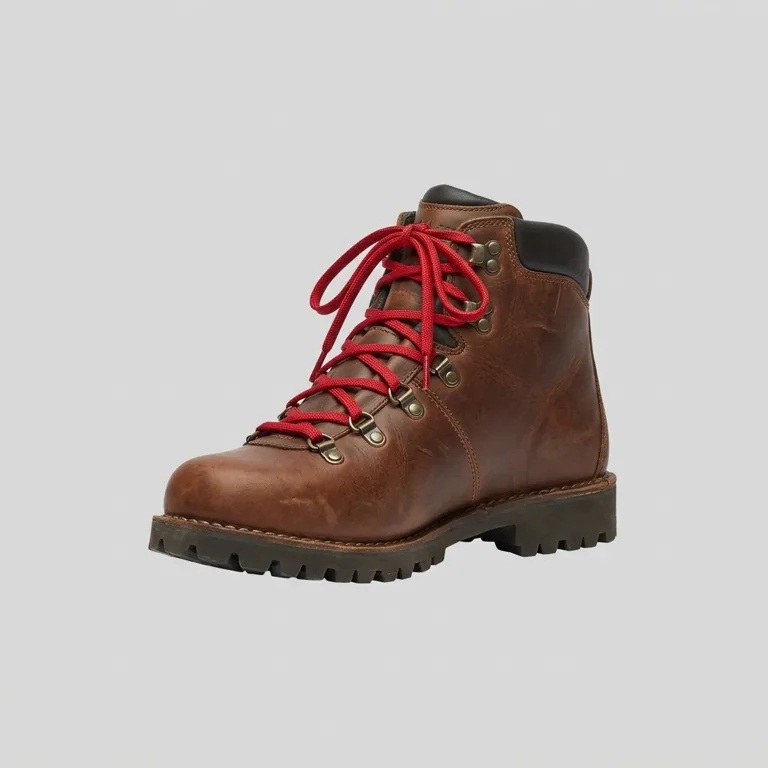
Each model is one run in the studio, shown next to what it was made from: photos or a description. Drag any model to turn it.
From photos
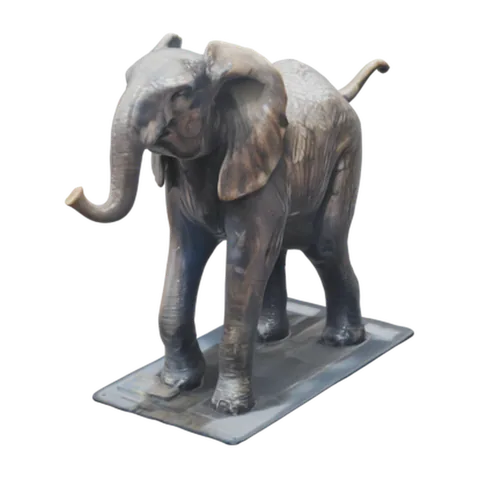 Photos · Pro
Made from
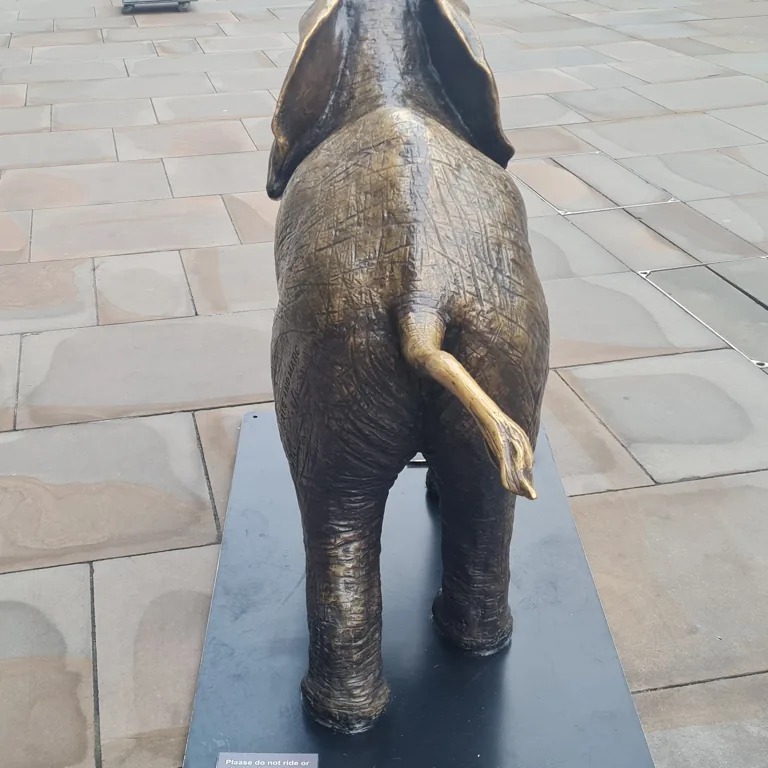
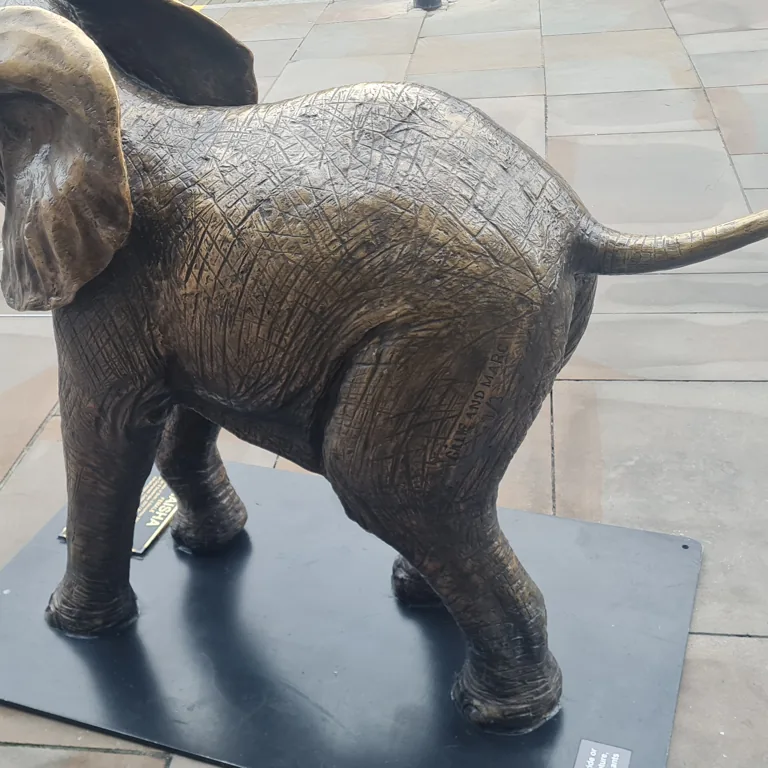
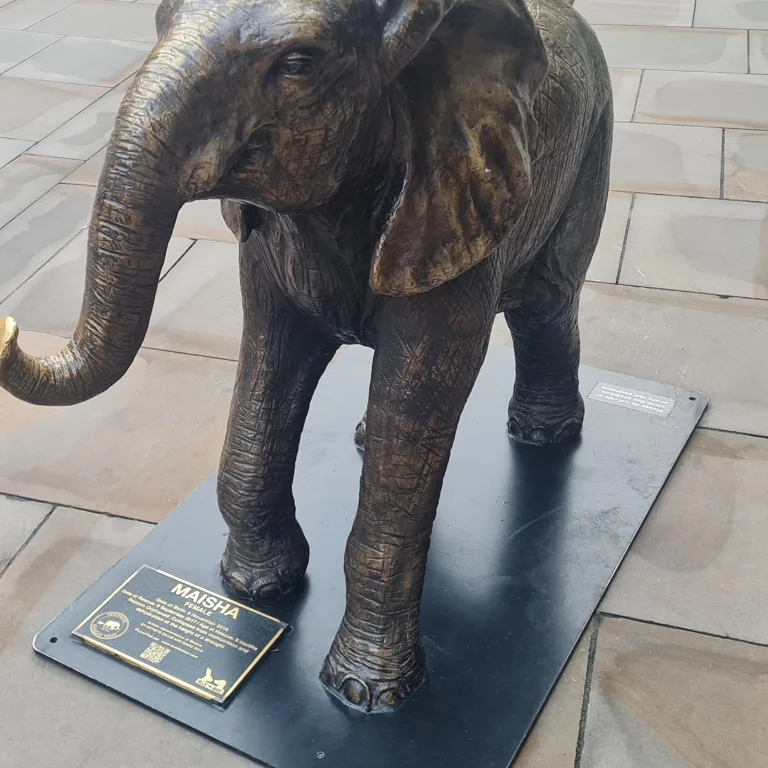
From a description
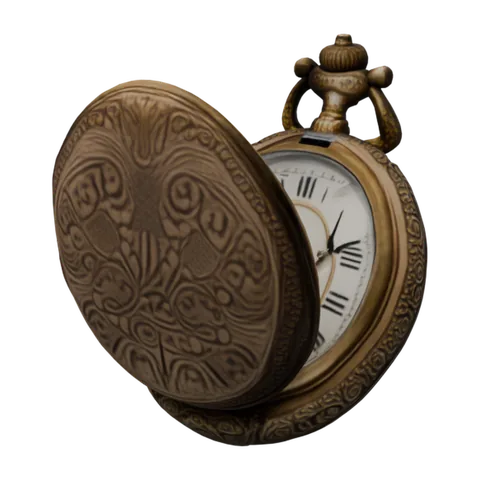 Text · Standard
Made from
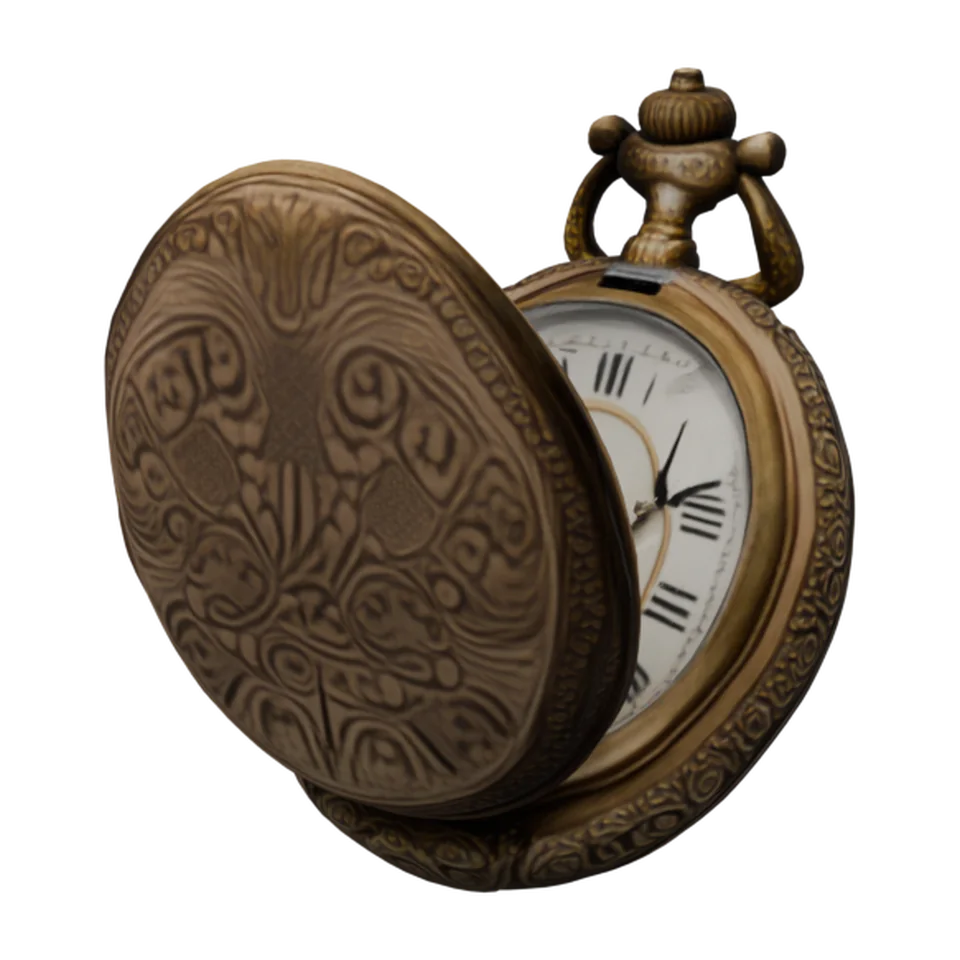
“vintage brass pocket watch with its lid open, ornate engraving”
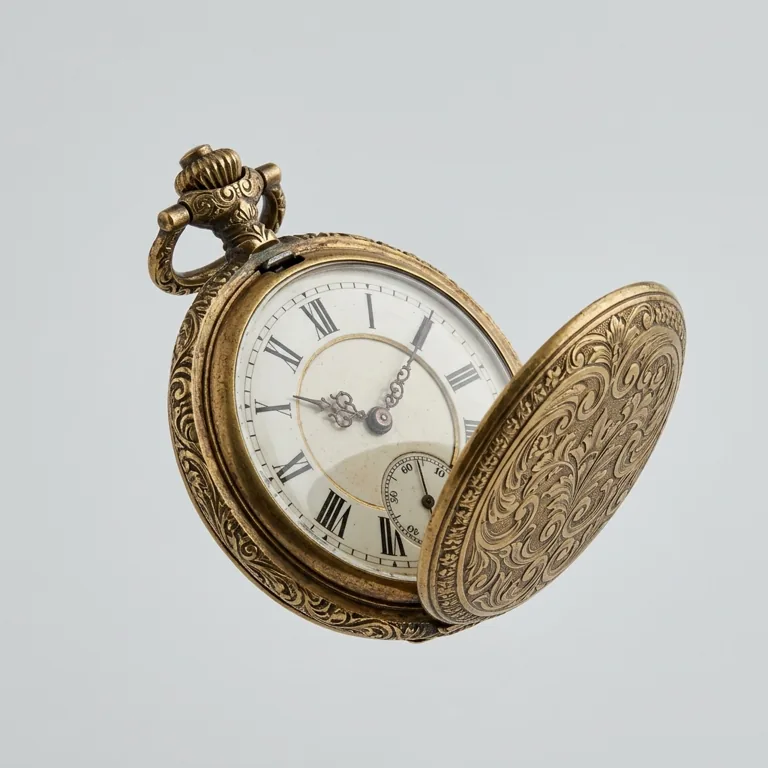
 Text · Standard
Made from
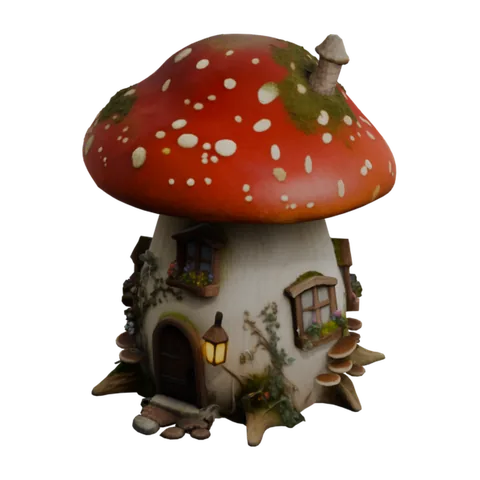
“whimsical mushroom cottage with a red spotted cap, a tiny door and windows”
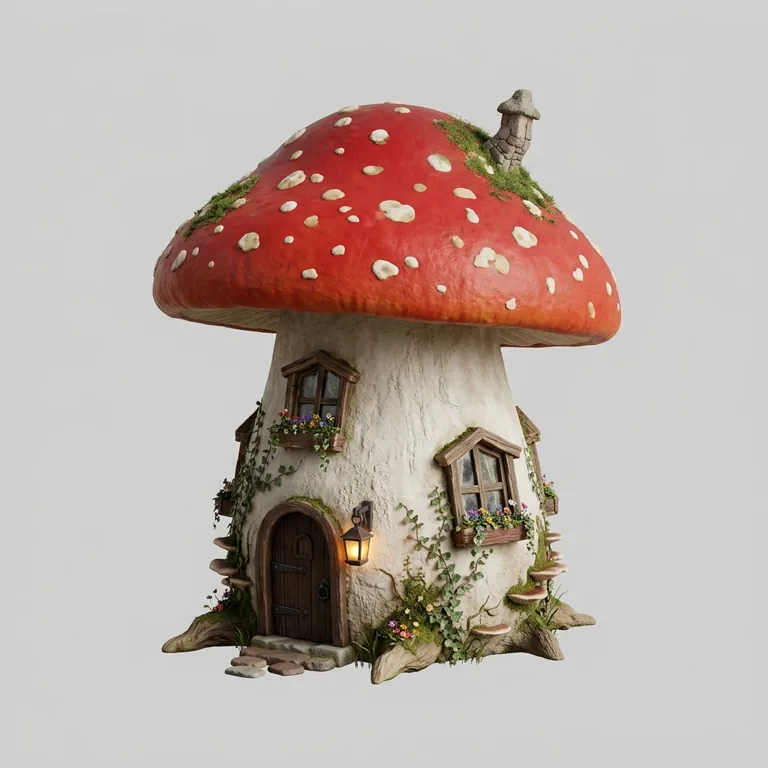
 Text · Standard
Made from
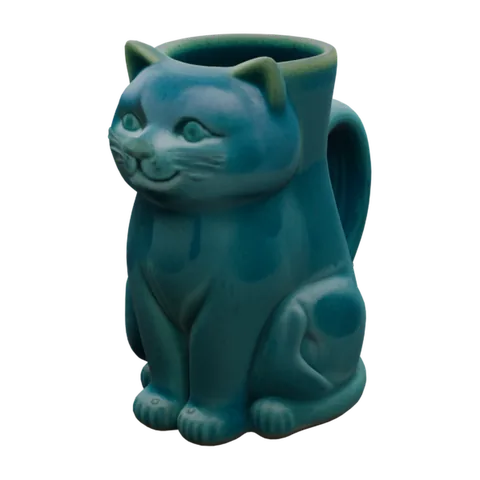
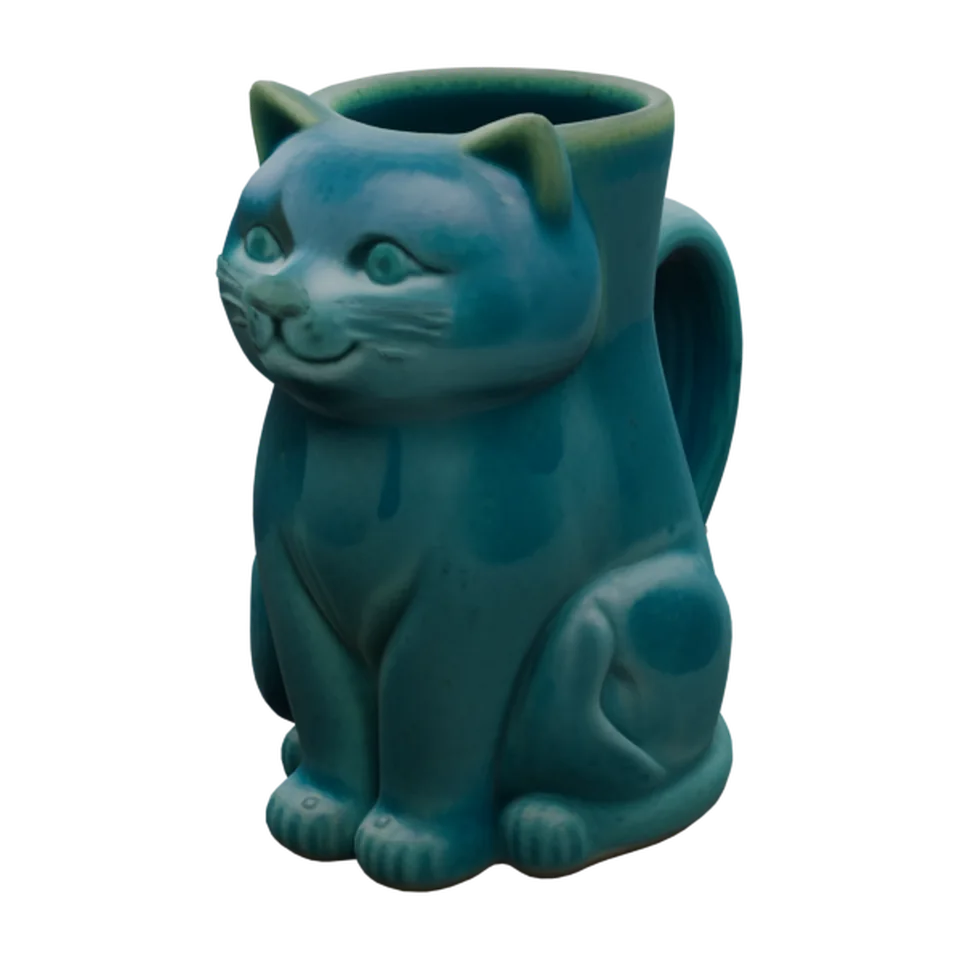
“ceramic mug shaped like a sitting cat, glossy teal glaze”
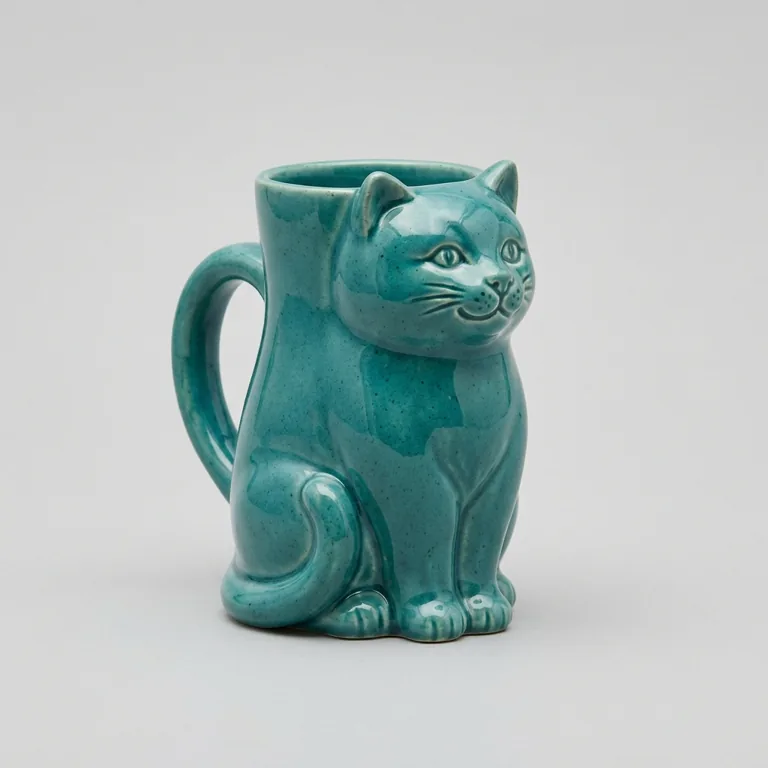
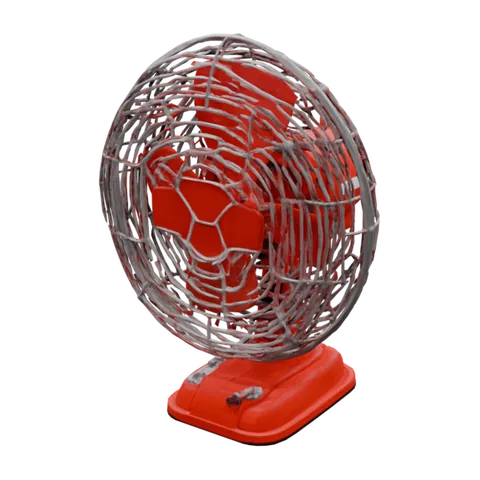 Text · Standard
Made from
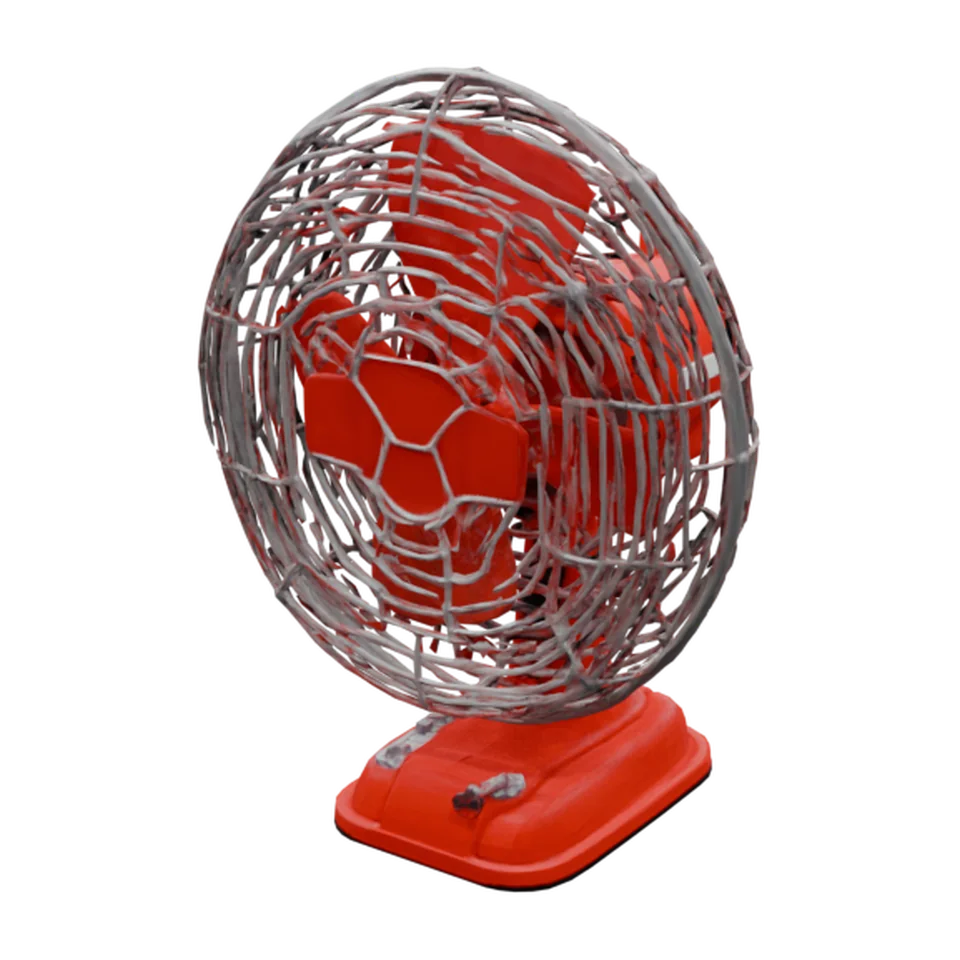
“red retro desk fan with a chrome cage”
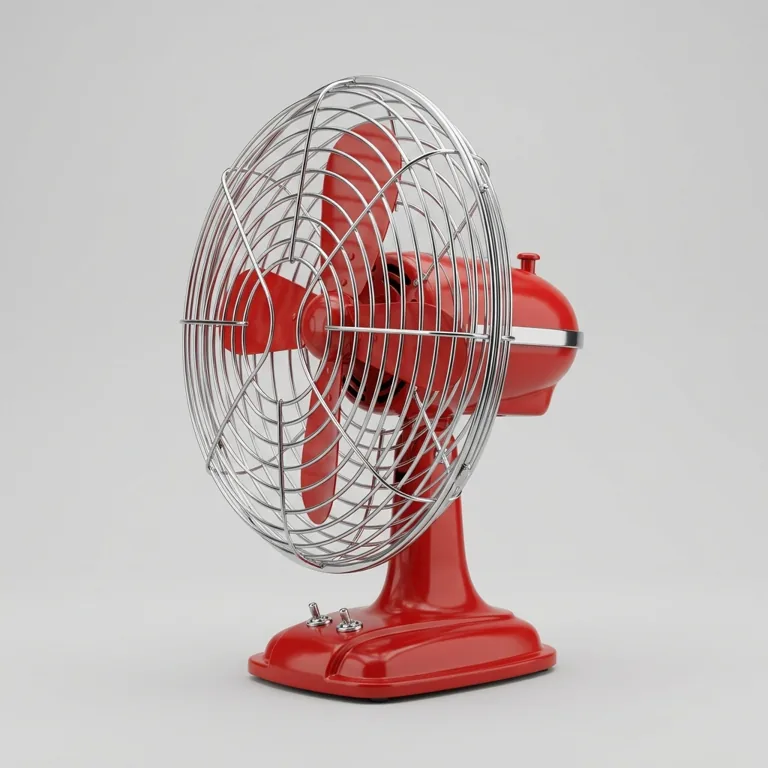
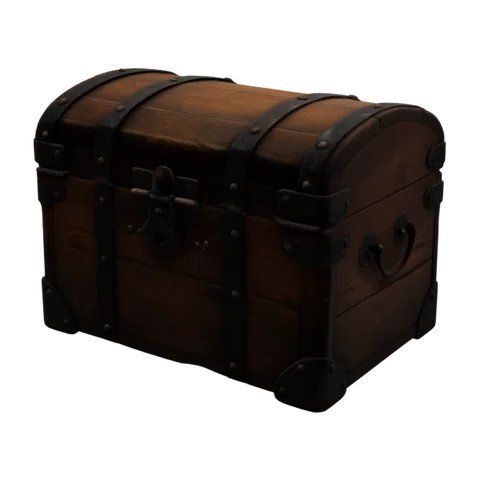 Text · Standard
Made from
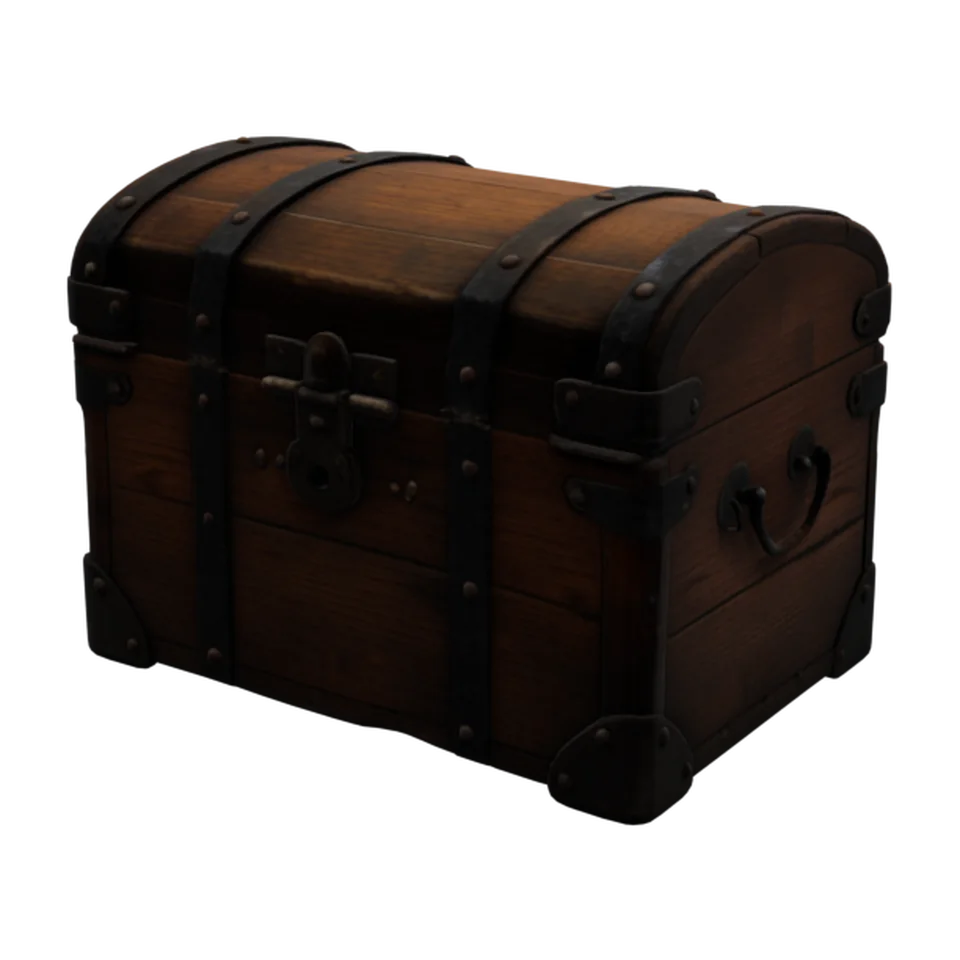
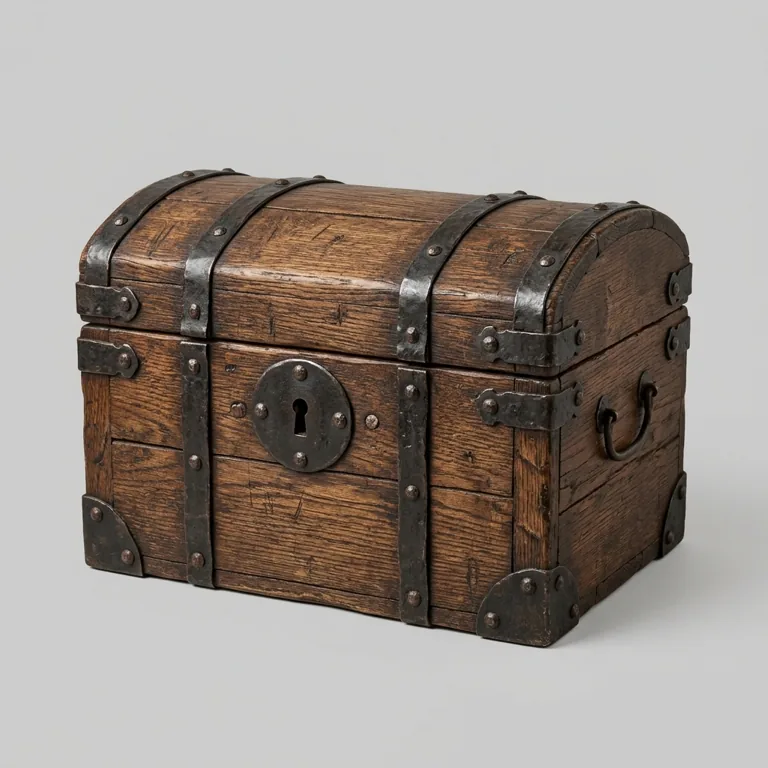
“small wooden treasure chest with dark iron bands and a round lock”
 Text · Standard
Made from
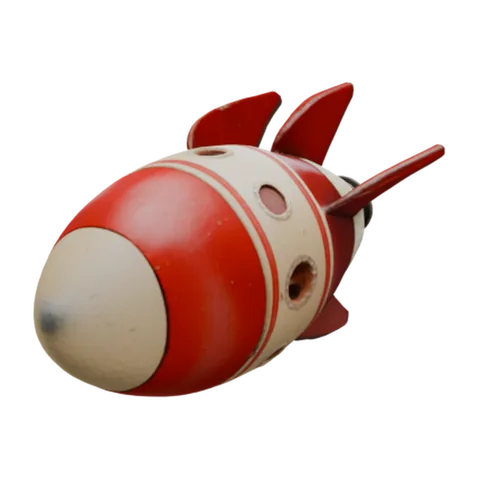
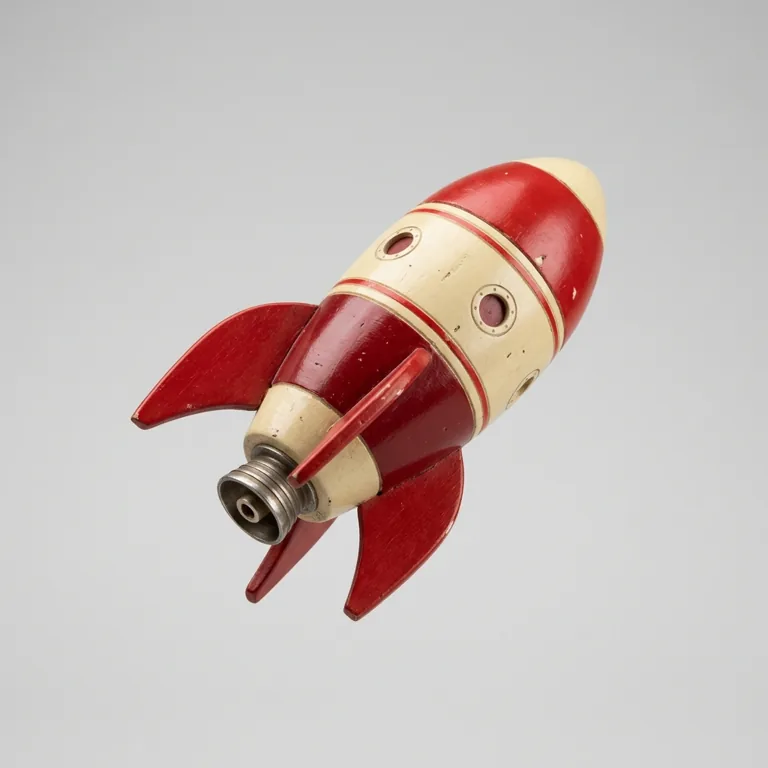
“toy rocket ship painted red and cream with three fins”
 Text · Standard
Made from
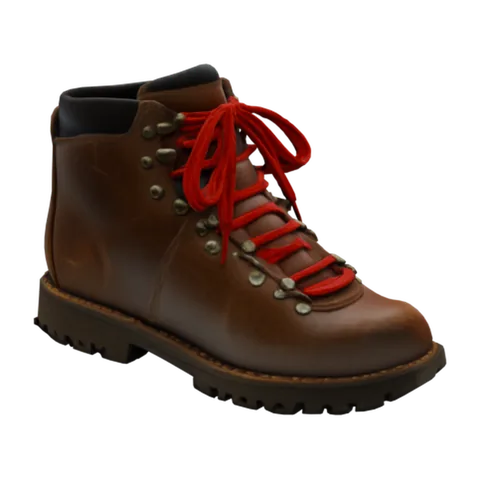
“brown leather hiking boot with red laces”
 Text · Standard
Made from
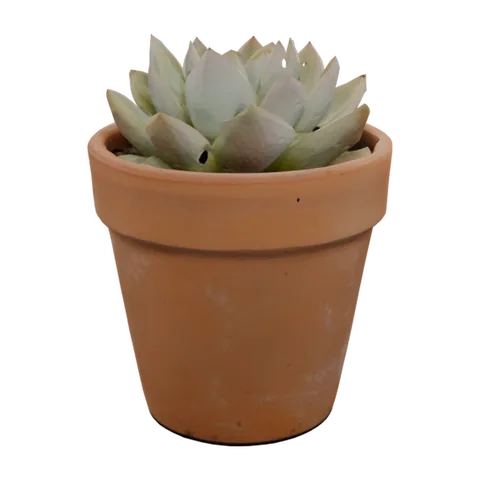
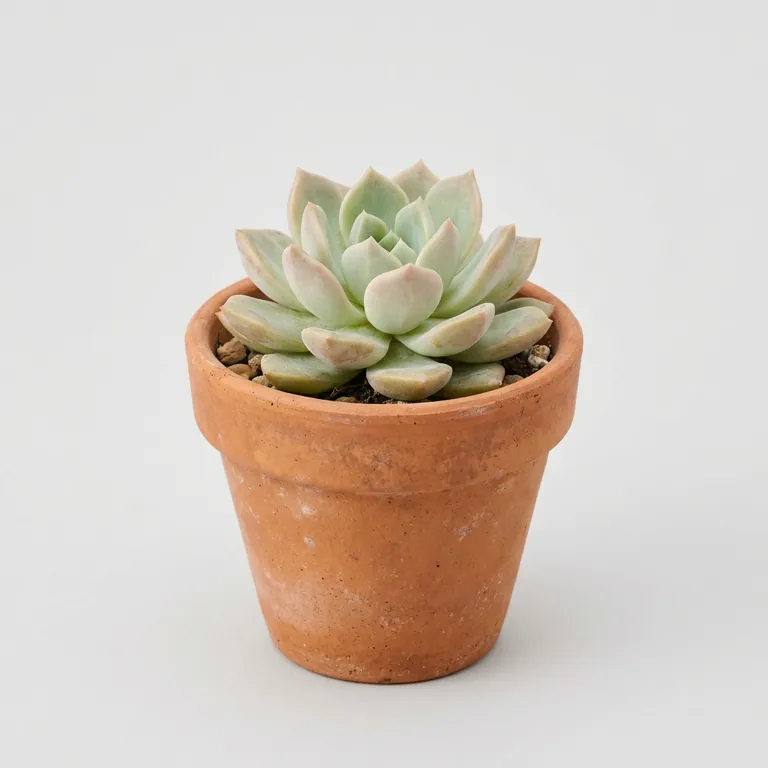
“potted succulent plant in a terracotta pot”
Three inputs
Three ways to make a 3D model
Use whatever you have: a quick clip, a few photos or just words. Every route ends in the same viewer and the same GLB, OBJ and STL files.
Video to 3D
Walk around an object with your phone. Your browser picks the six sharpest frames from different angles and uploads only those; the clip stays on your device.
More about Video to 3DPhoto to 3D
Upload one photo, or up to four of the same object from different sides. More angles give a better guess at the back.
Text to 3D
Describe an object in a sentence. Standard draws a clean reference picture first, then builds the model; Pro builds straight from your words.
More about Text to 3DGuides by task: Video to 3D model · AI 3D model generator · Image to STL
How it works
How to turn an image into a 3D model
- 01
Add a photo, clip or description
Drop in a JPG, PNG or WebP (up to four angles of one object) or a walk-around video of up to 60 seconds, or type what the object is.
- 02
Pick Standard or Pro
Standard is quick and fine for previews, game props and most prints. Pro adds finer shape and texture. The credit cost shows before you start.
- 03
Spin and download
Turn the model in the viewer, then download GLB or export OBJ or STL right in your browser.
Honest limits
What it does well, and what it will not do
The AI builds a whole object from what it can see and estimates the rest. Expect the right shape and colours, with fine detail simplified and hidden sides guessed.
Works well
- Single objects: toys, figurines, shoes, furniture, products
- Game props and AR models from a photo or clip
- Printable shapes for figurines, decor and prototypes
- Quick concept models from a one-line description
Will not do
- Scan a whole room or a scene with many objects
- Give exact measurements or engineering-grade parts
- Copy trademarked characters or a real person’s likeness
- Make weapons or weapon parts, printable or not
Pricing
Plans for steady modelling, packs for one-off projects
New accounts get 91 free credits, one time only, after email verification. One Standard 3D model from photos or a clip costs 91 credits. A plan brings fresh credits every month at the lowest price per credit. A pack is a single payment whose credits never expire.
Wireframe
A few models a month for hobby prints and props.
$14.70/ month
2,210 credits a month
- Fresh credits every month (each grant lasts 31 days)
- Video, photo and text to 3D, Standard and Pro
- Private files, kept for 30 days
Sculpt
Regular models for games, shops and print projects.
$33.40/ month
5,440 credits a month
- Fresh credits every month (each grant lasts 31 days)
- Video, photo and text to 3D, Standard and Pro
- Private files, kept for 30 days
Atlas
Large batches and frequent Pro models.
$76.90/ month
13,010 credits a month
- Fresh credits every month (each grant lasts 31 days)
- Video, photo and text to 3D, Standard and Pro
- Private files, kept for 30 days
Team plans
Priced per seat with a minimum of three. Everyone spends from one shared credit pool; the owner invites members and sees usage by member.
Makerspace
Small teams and maker clubs sharing one pool.
$31.40per seat / month
$94.20 in total · 13,890 credits
13,890 credits a month, shared by 3 seats
- One shared pool, usage per member, one bill
- Video, photo and text to 3D, Standard and Pro
- Private files, kept for 30 days
Print Lab
Busy studios and print shops with heavy Pro use.
$69.80per seat / month
$209.40 in total · 33,870 credits
33,870 credits a month, shared by 3 seats
- One shared pool, usage per member, one bill
- Video, photo and text to 3D, Standard and Pro
- Private files, kept for 30 days
Credit packs
One payment, no renewal. Pack credits never expire and cost more per credit than a plan.
Vertex
Try a handful of models, no subscription.
$10.30one-time
1,280 credits · 0.80¢ per credit
- Credits never expire
- Video, photo and text to 3D, Standard and Pro
- GLB download, OBJ and STL export
- Private files, kept for 30 days
Polygon
A project’s worth of props or prints.
$25.80one-time
3,330 credits · 0.77¢ per credit
- Credits never expire
- Video, photo and text to 3D, Standard and Pro
- GLB download, OBJ and STL export
- Private files, kept for 30 days
Blueprint
A big batch, with credits that never expire.
$61.70one-time
8,060 credits · 0.77¢ per credit
- Credits never expire
- Video, photo and text to 3D, Standard and Pro
- GLB download, OBJ and STL export
- Private files, kept for 30 days
Credits per 3D model
Any object costs the same. Standard from a description includes its reference picture. The viewer and the OBJ and STL export are free.
| Quality and model | Made from | Credits |
|---|---|---|
| StandardTRELLIS | Video | 91 |
| Photos | 91 | |
| Description | 106 | |
| ProRodin Gen-2 | Video | 361 |
| Photos | 361 | |
| Description | 361 |
Changed your mind? Within 13 days of a purchase, while no more than 10% of its credits are used (a yearly plan: of the year's), you can get the unused part refunded. Renewals are not refunded.
FAQ
Questions about image to 3D
Is it free to try?
You can try it for free. New accounts get 91 free credits, one time only, after email verification. One Standard model from photos or a clip costs 91 credits, and the 3D viewer and the OBJ and STL export are always free in your browser.
How do I turn an image into a 3D model?
Upload a photo of one object, pick Standard or Pro and start the job. Turnform returns a textured 3D model you can spin in the browser and download as GLB, OBJ or STL. Up to 4 photos of the same object from different sides give the best result.
Can I make a 3D model from a video?
Yes. Pick a short walk-around clip of the object; your browser chooses 6 sharp frames from different angles and uploads only those, so the video itself never leaves your device. Slow, steady movement and even light work best.
How much does one 3D model cost?
A Standard model costs 91 credits from photos or a clip and 106 credits from a description, because a reference picture is made first. A Pro model costs 361 credits. The exact cost shows before you start, and a failed job returns its credits.
Which AI models does Turnform use?
Standard runs TRELLIS. Pro runs Rodin Gen-2. A Standard model from a description starts with one reference picture from Nano Banana 2.1.
Which file formats can I download?
GLB, with its textures, downloads directly and works in game engines, web viewers and AR. OBJ and STL are exported in your browser at no cost; STL holds the shape only and is the file most 3D-printing slicers expect.
Can I 3D print the model?
Yes. Export STL, set the real size in your slicer, check that the mesh is closed and add supports where needed. Printing weapons or weapon parts, or copies of characters you have no rights to, is not allowed.
Do you keep my photos and videos?
Your video never leaves your device; only the picked frames are uploaded. Frames, photos and models are private, never shown in a gallery and deleted automatically 30 days after the job. You can delete a job sooner in Settings → My 3D models.
3D guides
Practical notes on filming objects for 3D, choosing between GLB, OBJ and STL, and getting AI models ready to print.
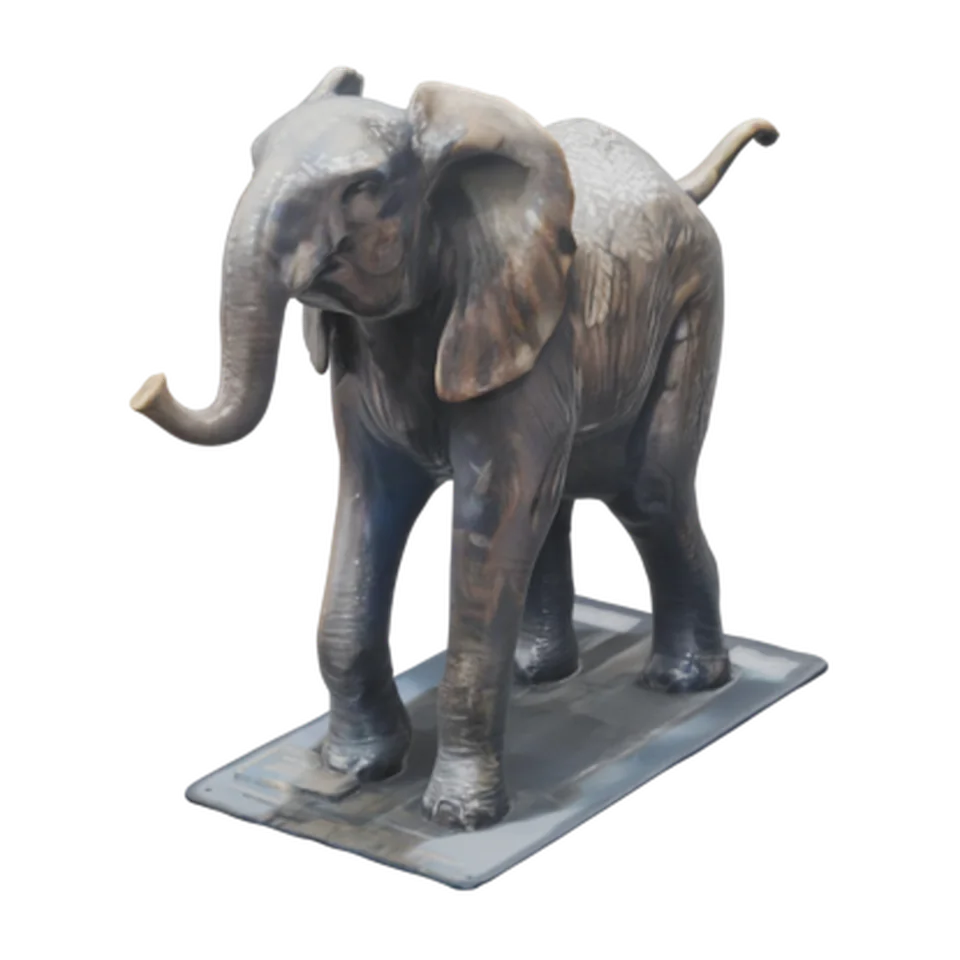
How to Film an Object for Video-to-3D: Light and Motion
A short, steady walk-around clip in soft light gives the best video-to-3D model. How to set up, light the object, move the camera and avoid blur.
GLB vs OBJ vs STL: Which File Do You Need?
GLB for the web, AR and game engines, OBJ for editing in 3D software, STL for 3D printing. What each format stores, what it drops, and how to pick one.
How to Prepare an AI 3D Model for 3D Printing
Before you print an AI-made 3D model: export STL, set the real size, repair the mesh, check wall thickness, hollow it for resin and add supports.
Last updated: